rollup
yarn add rollup --dev


yarn rollup  执行rollup

yarn rollup /src/index.js

yarn rollup ./src/index.js --format iife   将打包结果发那个在一个自动执行的函数中
配置文件:
根目录 rollup.config.js
export default{
    input:'src/index.js',
    output:{
        file:'dist/bundle.js',//输出路径
        format:'life'  //指定输出格式
    }
}

yarn rollup --config  表明使用配置文件

指定配置文件名称
yarn rollup --config  rollup.config.js
使用插件
yarn add rollup-plugin-json --dev


import json from 'rollup-plugin-json'
export default{
    input:'src/index.js',
    output:{
        file:'dist/bundle.js',//输出路径
        format:'life'  //指定输出格式
    },
    plugin:[
        json()
    ]
}
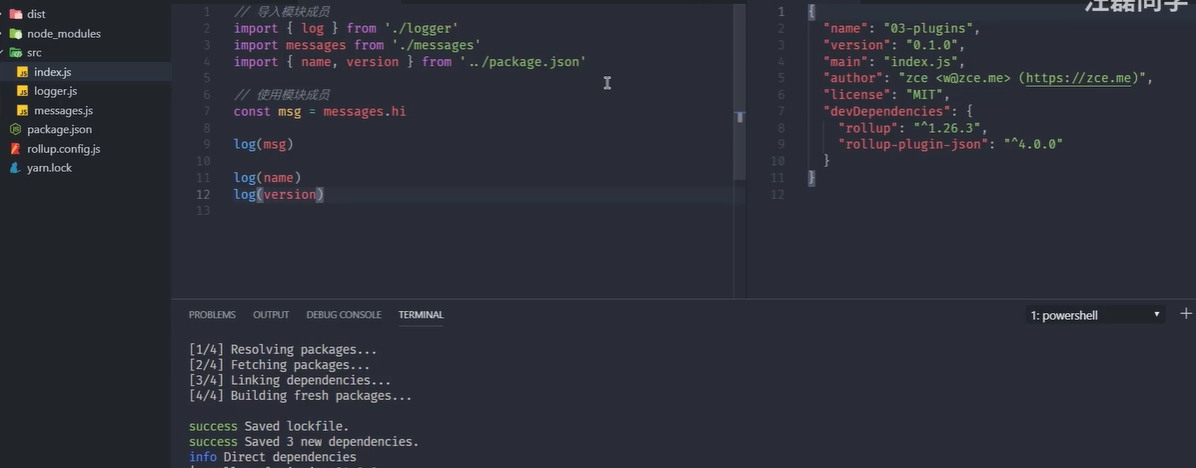
json中没有用到的直接过滤
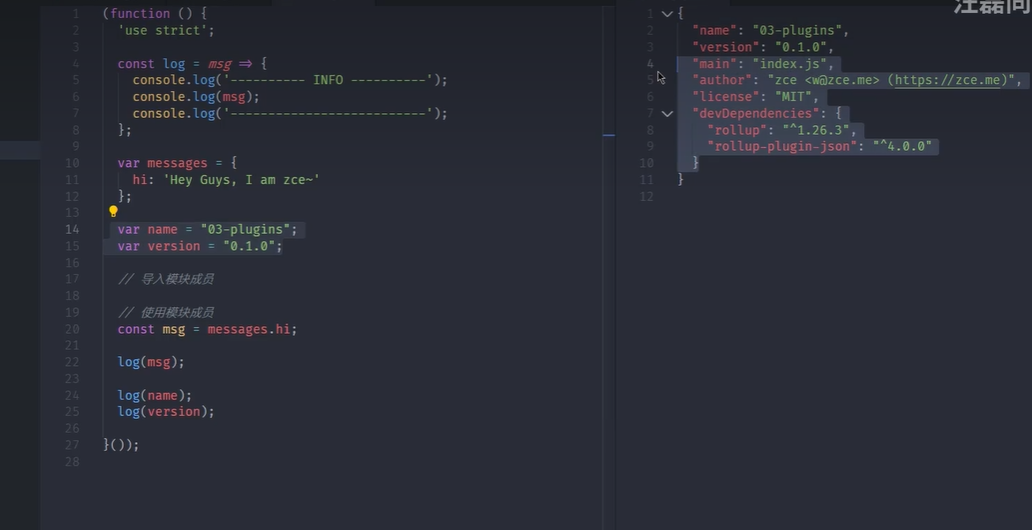
rollup 加载npm模块
rollup-plugin-node-resolve 可以直接使用模块名称导入对应模块
yarn add rollup-plugin-node-resolve


import json from 'rollup-plugin-json'
import resolve from 'rollup-plugin-node-resolve'
export default{
    input:'src/index.js',
    output:{
        file:'dist/bundle.js',//输出路径
        format:'life'  //指定输出格式
    },
    plugin:[
        json(),
        resolve(),
    ]
}
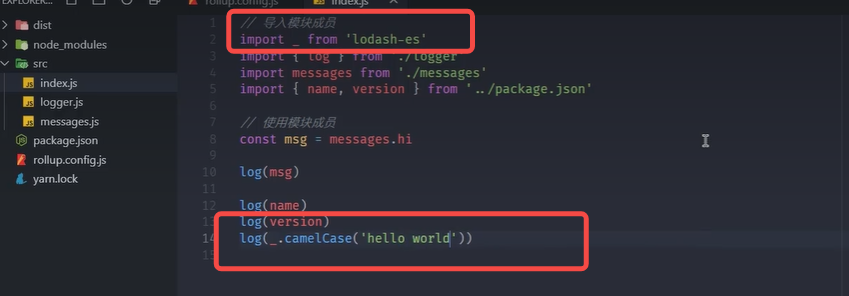
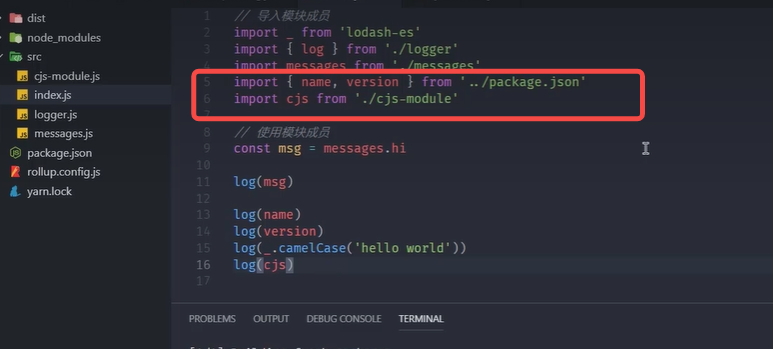
rollup 加载commonjs模块
rollup默认只处理esmodule的包
rollup-plugin-commonjs

yarn add rollup-plugin-commonjs --dev


import json from 'rollup-plugin-json'
import resolve from 'rollup-plugin-node-resolve'
import commonjs from 'rollup-plugin-commonjs'
export default{
    input:'src/index.js',
    output:{
        file:'dist/bundle.js',//输出路径
        format:'life'  //指定输出格式
    },
    plugin:[
        json(),
        resolve(),
        commonjs(),
    ]
}
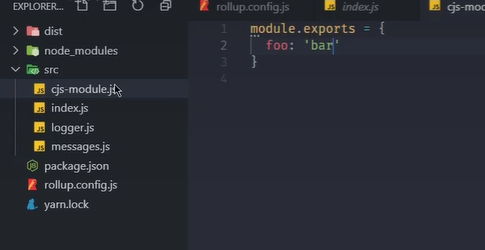
rollup 代码拆分
动态导入
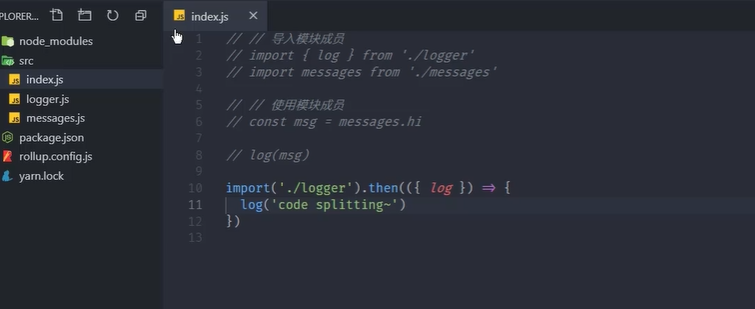
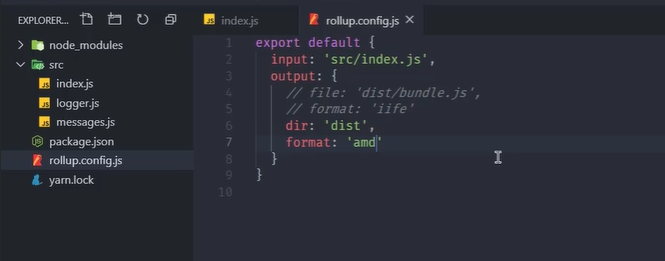
代码拆分不能使用iif 必须使用amd 或者commonjs 如果是浏览器智能使用amd
yarn rollup --config --format amd
rollup 选用原则
优点:

缺点

- 一般应用程序使用webpack
- rollup一般写库/框架